Give teams a place to request automation, act on human decisions, and investigate execution. The Itential Platform connects workflows and FlowAgents with experiences designed for the people who request, review, and investigate shared automation.
App teams, NOC, support, and managers request workflows and FlowAgents through Service Requests. Operators handle approvals and input in Work Center. Administrators investigate workflow jobs in Operations Manager and agent execution in Agent Sessions. Customers using ServiceNow keep their request path. Operator Skills adds headless access through supported AI coding tools. Each experience serves a different job, with access controlled by platform permissions and execution governed by the existing automation your team has configured.
App teams, service desk analysts, and managers get a dedicated place to request automation. Browse the services you have permission to run, complete a form, and submit now or on a recurring schedule. Track status, review results, and run a request again without retyping. Workflows and FlowAgents share the same experience.
Manual triggers become services automatically. Users see services through the Service Requests access permission and execute permission on each trigger. There is no separate catalog publishing step.
Run a service immediately or schedule recurring requests. Pause, resume, edit, or delete existing schedules from the Scheduled Requests tab.
Review request status, submitted inputs, and output when available. Relaunch a request with its original inputs filled in. Users request services without editing the workflow, FlowAgent, trigger, or shared defaults that sit behind the form.
A workflow pauses for approval. A FlowAgent needs input. Work Center gives operators a dedicated queue for those decisions, with the relevant context to act. The requester continues tracking progress in Service Requests while the operator reviews, approves, rejects, or provides additional input in Work Center. Decisions are logged with who acted and when.
Tasks from workflows and FlowAgents reach one queue. Operators can find assigned and unassigned work, then open the task they have permission to act on.
A timeline shows completed and active manual tasks, helping operators understand earlier human decisions before providing the next approval or input.
Quick Form presents data as a table with fields and actions on each row, so operators can review and submit their decisions.
Keep ServiceNow as the request path when it connects to Itential. Users request workflows from its catalog or invoke them through ServiceNow Flows. Service Requests provides an alternative.
The Itential app makes workflows available inside ServiceNow, so users request automation through the interface they already use.
Embed governed Itential workflows directly inside ServiceNow Flows using Itential Actions.
ServiceNow handles the request process. Itential executes the workflow through platform controls and the approvals, validation, and recovery behavior configured for that automation.
Requesters follow status in Service Requests. Operators handle human tasks in Work Center. When execution needs investigation, administrators open workflow jobs in Operations Manager or inspect FlowAgent runs in Agent Sessions. Review workflow usage and performance separately through the analytics available in Itential Insights.
Operations Manager provides job and task detail for workflow investigation. Administrators inspect failures and use the recovery actions.
Agent Sessions shows each FlowAgent run. Inspect reasoning, tool calls, inputs, and outputs to understand how the agent approached its assigned work.
Use Itential Insights to review workflow usage, performance trends, and time saved.
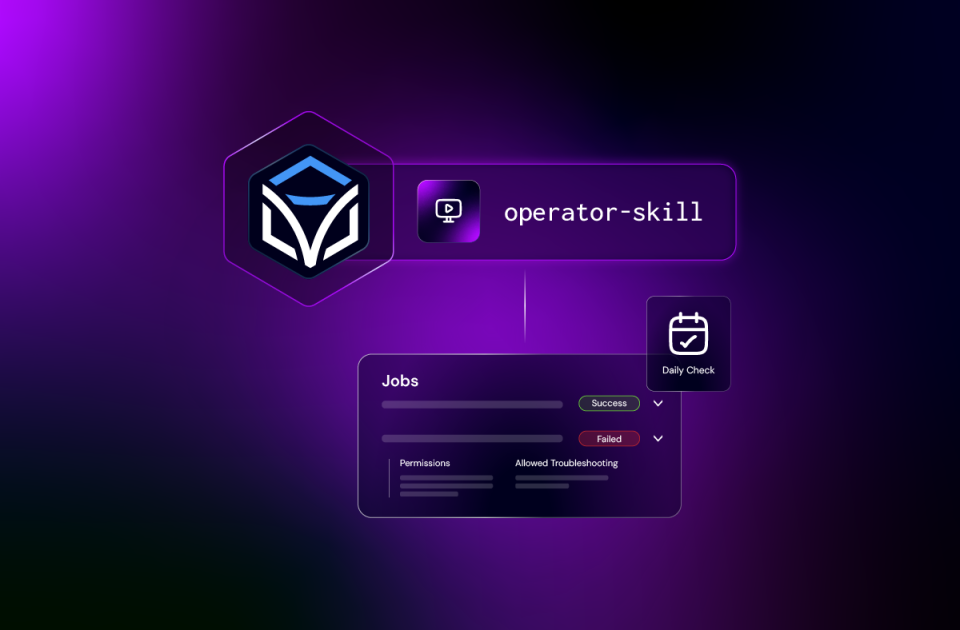
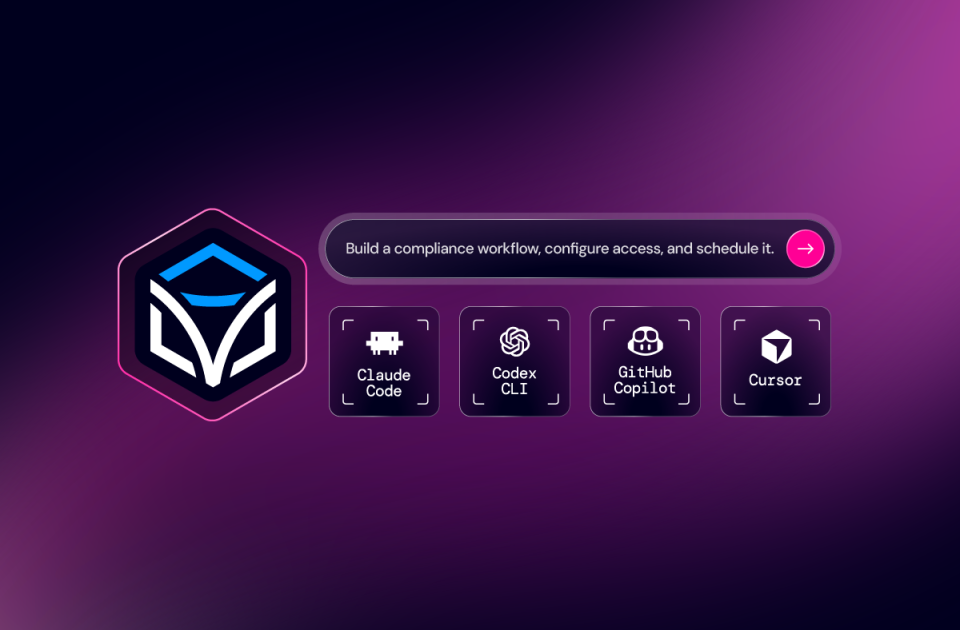
Use Itential Operator Skills in Claude Code, Codex, GitHub Copilot, or Cursor to run automation, inspect failed jobs, handle manual tasks, and manage schedules. The skills guide requests through Itential APIs using credentials and permissions. MCP offers another connection path for compatible AI clients. Choose the interface that suits the work.
Run automations, inspect failures, handle manual tasks, and manage schedules from your coding harness using platform permissions.
Check platform health, manage access, configure integrations.
Connect compatible AI clients through Itential MCP Server to access available platform tools.
Monitoring tools and AIOps platforms can trigger automation through configured integrations. A workflow follows a response, or a FlowAgent evaluates context and selects available tools. Human checkpoints route to Work Center when configured. Event initiated operations run separately from services a person chooses in Service Requests. Define the checks, approval steps, and recovery actions required for each operation before enabling execution.
Connect systems through supported APIs, webhooks, or MCP integrations. Configure detection events to trigger the workflow or agent.
Give FlowAgents access to the tools and information needed to investigate an event and select a response within defined permissions.
Build human checkpoints into automation where review or approval is required. Tasks appear in Work Center for operators to act on. Define checks and recovery steps in workflow or agent design.
From self-service infrastructure delivery to AI-driven incident response, here’s what intelligent operations looks like in production.
An app team selects a service, provides its inputs, and tracks the result. The configured automation coordinates the required work.
Monitoring events trigger configured automation. Workflows and agents follow the controls your team defined, including any required human approvals and recovery actions.
A workflow or FlowAgent reaches a human checkpoint. The task appears in Work Center for approval, review, or additional input. The requester follows current status in Service Requests while the operator handles the decision.
An administrator opens Operations Manager for a failed workflow job or Agent Sessions for a FlowAgent run, with detail to investigate.
Give requesters, operators, and administrators experiences suited to their work, while builders maintain the existing automation those teams use every day across the Itential Platform.
See how teams request services, review human tasks, investigate execution, and operate headlessly through Itential’s interfaces and AI Skills.
Service Requests requires permission to open the page and execute permission on service triggers. Users see the services they are allowed to request, complete forms, and track results. They cannot edit the workflow, FlowAgent, trigger, or shared defaults here. Builders and administrators continue to manage automation and its permissions in the appropriate platform tools.
Service Requests is where a person starts automation and tracks the result. Work Center is where an operator acts when that automation pauses for approval, review, or input. The request status remains available in Service Requests. Initially, human tasks are completed in Work Center, rather than embedded in the request view. Each experience supports a different part of the operation.
Itential Operator Skills guides supported AI coding tools through operational tasks using Itential’s APIs and your configured credentials. It does not require the Itential MCP Server. MCP provides a separate connection path for compatible AI clients to access platform tools. Both complement the graphical interfaces, with access determined by the permissions configured for each connection.
No. Existing manual triggers become services automatically. Administrators grant access using the Service Requests permission and execute permissions on the triggers. There is no catalog publishing process or migration. Users can request a service or create a recurring schedule, then review status and results. Requests can be relaunched with their original inputs filled in.
FlowAgents can act through the tools and permissions configured for them. Where processes require approval, review, or input, design a human checkpoint that routes to Work Center. The level of human involvement depends on the automation and controls. Service Requests provides the request experience for either approach.
Customers requesting Itential automation through ServiceNow can keep that path. The Itential app supports workflow requests and Itential Actions in ServiceNow Flows. Service Requests provides an option for customers without a connected portal. Both let users request automation while Itential handles execution through the platform controls.
Monitoring and AIOps systems can start automation through integrations, APIs, webhooks, or MCP connections. Builders configure the trigger and the response, including validation, human checkpoints, and recovery steps. Service Requests is for services a person chooses to start or on a recurring schedule. Event initiated automation does not appear as a requestable catalog service. When either path reaches a human task, the operator acts in Work Center with context provided by that task.